
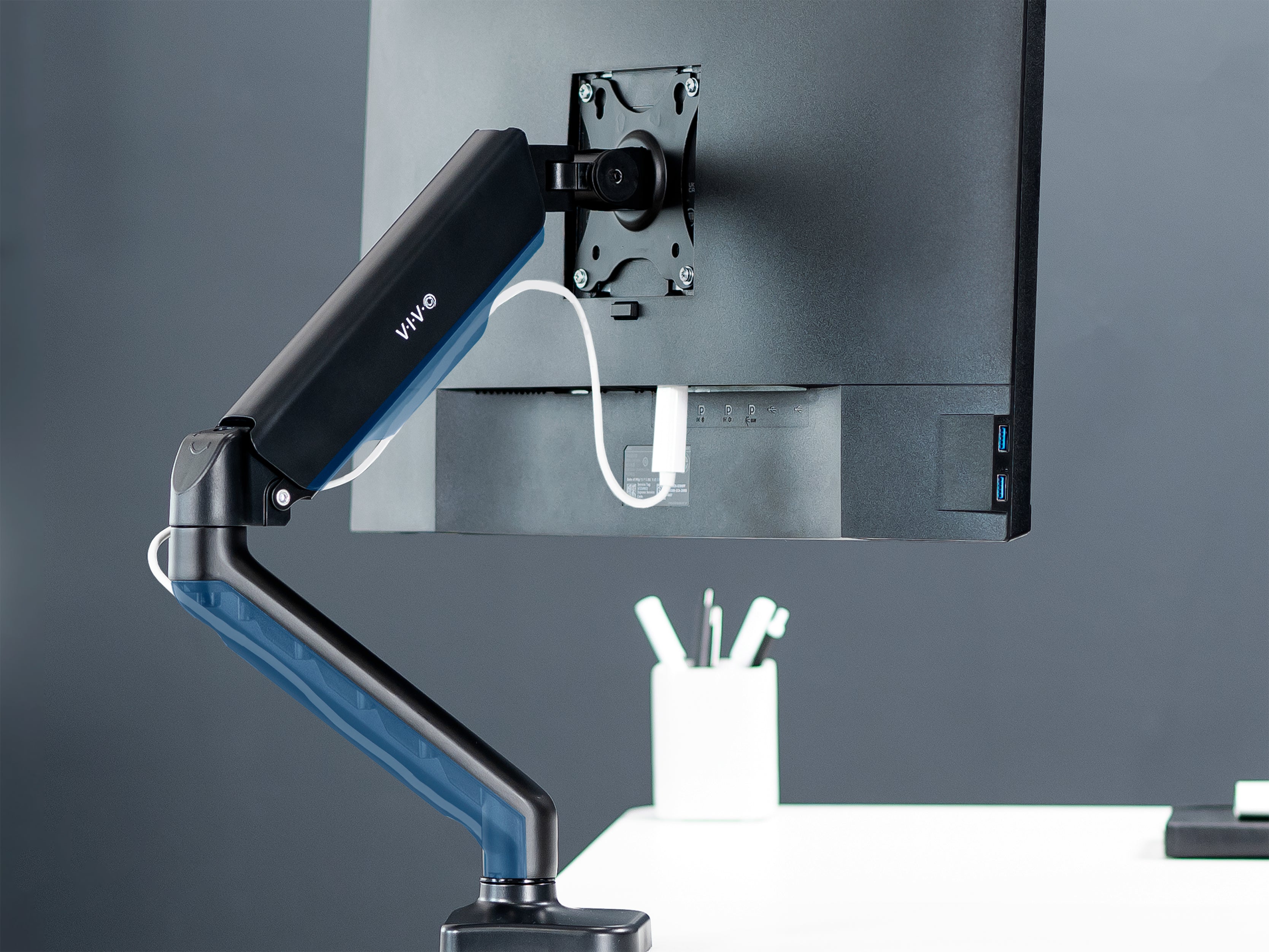
So you’ve finally decided to buckle down and untangle the Gordian knot beneath your desk that are your computer cables. Before you take a page out of Alexander the Great’s book and chop the whole thing in half (don’t worry if you don’t get the reference… just know your cable organization needs help!), read these tips we’ve compiled to help you avoid some common mistakes and make your cable management process as smooth as possible.
Tip 1: Measure your cables
Probably the most overlooked aspect of planning out cable management is making sure all your cords are long enough. A five foot HDMI cable might seem long enough when you purchase it- after all, your monitor is never going to be more than five feet away from your PC -but that’s assuming the cable is going to take a direct route.

In reality, to keep your cables organized, they need to zigzag across monitor arms and under your desk before they finally reach the proper port. Cables being way too long can cause issues too, so measure the routes along your desk that each cable needs to take so you can purchase the proper length. This simple step of having the proper sized cables will go a long way towards making your cords more manageable.
Tip 2: Zip ties and twist ties and cable clips oh my!
You’ve planned out where your cables are going, measured how long they need to be, and have your cables purchased and ready. This is where things can get messy- if you don’t have the right tools on hand to bind the cables together.

Luckily, there are a few different options for this, and you’re likely to have at least one of them already in your house. Twist ties or zip ties are the simplest ways to bind your cables together and keep them from getting tangled up again. If you’re looking for something a little cleaner and more optimized, you can get special clips or even a cable management sleeve to keep your cables from straying apart.
Tip 3: Hang it up
After you have your cables all plugged in and bound together, there’s only one thing left to do: Get those cables off the floor! Not only does having a line of cables trailing across the floor look terrible, it can also be a hazard if anything catches on them. It’s best to get those cables tucked away and mounted to the bottom of your desk.
There are several ways to do this. If you have a VIVO height adjustable desk, it’s likely you already have a cable management rack attached to your desk frame. If you don’t have this, you can get one separately to install under your desk - we suggest the IKEA SIGNUM. If you’re not looking to purchase a cable management rack, check your power strip- those often have a built in way to mount under your desk.
If you have a more complicated array of cables, it might be easier to get a desk skirt that hides the clutter. These mount to the back side of your desk and give you a huge pocket to hide your cable management, keeping the floor under your desk clean and hazard-free.

Organizing your cables can seem like a very daunting task. These tips should give you a good jumping off point and keep you from making some common mistakes. Getting your cord game cleaned up isn’t fun, but it doesn’t have to be hard! And trust us, once you’re done, you’ll be glad you did it.


Share:
Electric Standing Desk vs. Standing Desk Riser - Which One is Right for You?
How to Measure VESA Patterns
1 comment
You should include the “Vertebrae Cable Management Kit for Desk” in this blog post. I’d like to see different configurations with it for cable management. Do you sell that on Amazon? I’d like to link to it for my blog post: https://techsuey.net/post/cable-management-for-your-home-office-or-work-office/