
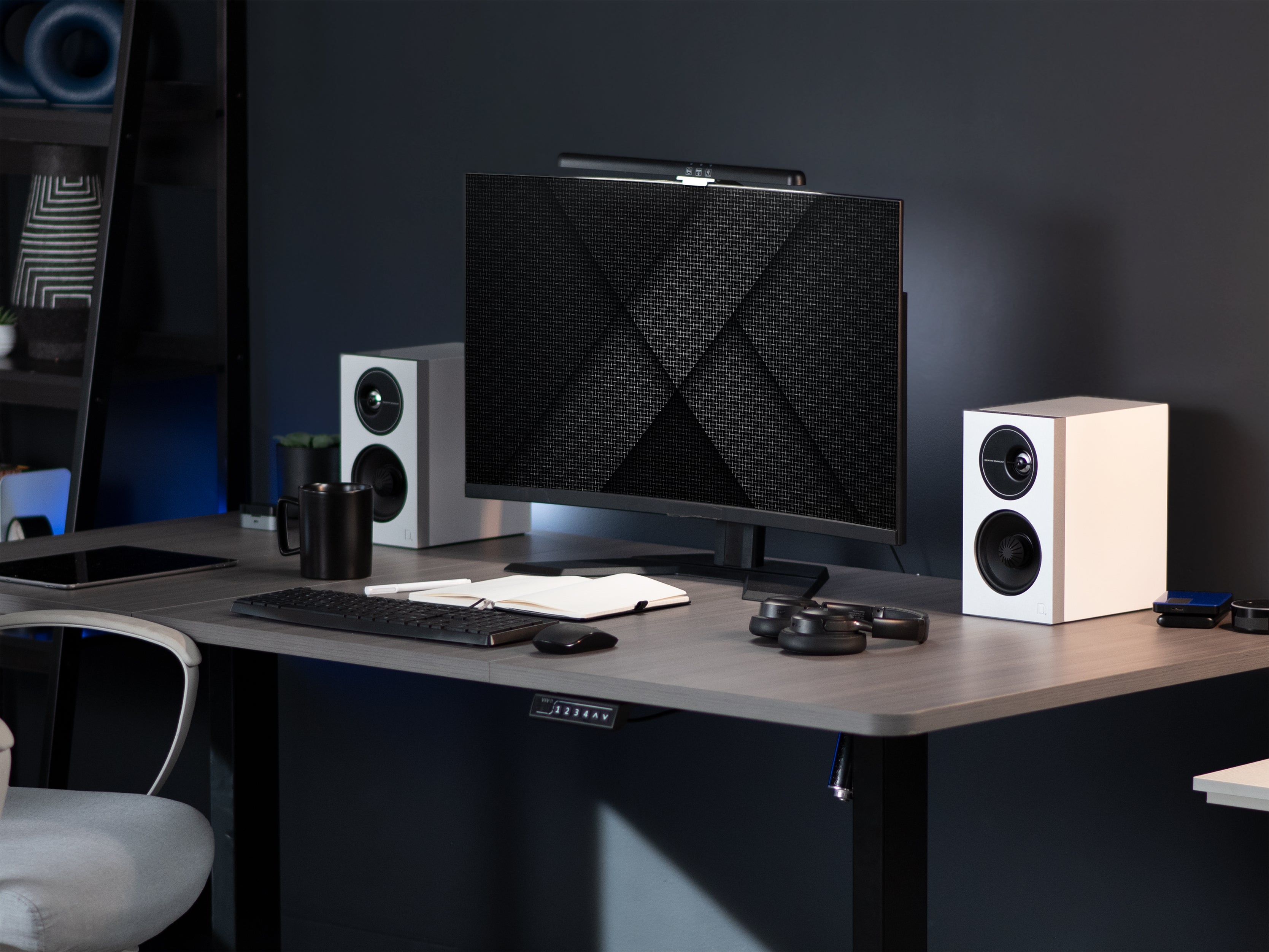
Are you wanting to improve the look of your work area and feel the lights are your next step? Proper lighting has a huge impact on productivity, but for some reason, most of us know very little of its properties or how to control it in a practical environment. We aim to fix that.
How Much Light Do You Need?
Knowing (or figuring out) the amount of light needed for your work space can be complicated and unique to your situation. We’re going to make it as simple as possible here in order to make it clear and easy to discern if you have enough light. That way, we can move onto the fun stuff, making your desk as visually appealing as possible!

Why You Probably Need a Desk Lamp
If you’re doing anything in addition to using the computer at your desk, you probably need a desk lamp. But let's back up for second.
There are two ambient light sources you have to keep in mind when it comes to your unique desk situation: the windows and the room lights. If you’re ever working late hours, or anywhere that has clouds, the windows in your room must be accounted for (but can’t be depended on). For this reason, we’ll discuss the room lights first.
The location of your desk and the room lights are the main determinant in whether or not you need a desk lamp. Most desks are set up against a wall to conserve space, but this can cause you to cast a shadow over your work area. If this is your situation, investing in a desk lamp is the simplest, surest way of ensuring this doesn’t negatively impact your productivity.
If all your work is done on the computer, you might not need a desk lamp. The back lights in your screen should be plenty bright enough to see no matter the brightness of the room. If you’re having trouble, check to see if you can change the brightness settings of your computer screens to match the light in your work space.
But what about window light? If you design your office setup right, window light can be a great aid in both giving you the right amount of light and improving your overall aesthetic. A lot of people love to put their desks in front of a window, which can solve the previously mentioned problem of the shadow over your desk.

Another great option is to keep window light to your side, which avoids any tall items on your desk, such as a VIVO dual monitor stand, from giving you the same shadow problem as before.

With any sort of window light, it’s important not to depend too heavily on it, or you’ll be one rainy day away from a work day full of eye strain. Even when window light is helping, it’s a good idea to have a desk lamp around for cloudy days, or when you’re working past sunset.
Now that we have all the practical stuff out of the way, and you’re all set up with your new desk lamp, we get to do the fun part: Using light to make your desk look great!
Light for Visual Appeal
Deliberately using light is only a small part of making your desk setup look amazing, but it’s a fundamental and often overlooked aspect. In this section, we’ll be addressing how to account for existing light, how to shape the light in your area, how to keep track of and control the quality of light, and what to do when it comes to light colors and temperatures.
Accounting for Existing Light
Once again, the first thing you have to do is take into account the existing light in your work space. This is your baseline and what you have to work from. Much like in the previous section, the main two sources you’ll have to keep track of is window light and the ceiling light in your room.
If you can control the placement of your desk in the room, you can control how the lights affect the look of your work space. But often, lighting is the last thing to consider when it comes to setting up a work space, and in these cases you’ll want to determine how these ambient light sources are affecting your area so that you can best shape the light using supplemental light sources.
Shaping the Light
The most important thing to remember when adding lights to your work space is what the eye is attracted to. The eye naturally gravitates towards areas of higher contrast.
If your desk area is generally dark with selective, moody lighting, then the eye will be attracted to the few places with the most light on them. This will be highly influenced by the colors and textures of different objects in your space. Brighter colored objects will reflect more light, so they might stand out if most of the things around your desk are darker colors. White shiny things will be the most reflective of light, so those will attract the eye most.
If your desk area is generally bright and well lit with white walls, then the inverse is true. The eye will be attracted to objects that break up the light, areas in shadow, or dark objects.
Keeping this in mind, you can experiment with placing lights in different areas around your workspace, from a floor lamp to a desk light, or even a table lamp set off to the side. This drawing of the eye is why most light and lamp options have a lampshade of some kind, so there isn’t a single bright point that immediately grabs the eye.
A Matter of Quality
When we talk about “quality” of light, we’re not really talking about how effective or expensive the light is- but how diffused it is and what kinds of shadows the light creates. Keeping track of the quality of your light in your work space can really help you hone the look of your specific space.

Diffused light comes from larger and/or farther away light sources. Diffused light is very soft and spreads out, giving a very rounded and comfortable look that minimizes harsh shadows. Some examples of diffused light include: Ceiling lights in high ceilinged areas, a lot of window light, LED panels, and a cloudy overcast day.
Hard light comes from smaller and/or closer light sources. Hard light is very dramatic and direct, and casts well-defined hard shadows. Some examples of hard light include: a desk lamp with a bare bulb, “spotlight” type ceiling lights, and the afternoon sun on a clear day.
Diffused light is more common and easier to use due to its soft nature. Hard light can be difficult to use correctly but can yield very dramatic effects. If you’re looking for simplicity, diffused light is the way to go. If you’re looking for a specific, dramatic look, maybe consider hard light options for your desk area.

Light Color
A topic that’s often missed when talking about lighting your work space is the color, or temperature of your lights. For the standard light bulb, your color options will go from warm, which gives off a more orange tint, to cool, which is closer to blue.
The increase in consumer options for LED light bulbs makes choosing long lasting, high quality light bulbs of any temperature easier than ever. It’s normally suggested that home living areas use warmer light bulbs (2000-3000K), work environments use white light bulbs (3100-4500K), and cool light bulbs (4600-6500K) are reserved for display purposes or task lighting.
Bare in mind that these are only suggestions. You can choose any temperature you want for your work area, just consider the effect they might have on the space. Warmer lights tend to give off a more comfortable, cozy vibe. On the flipside, cooler lights tend to be more intense and focused.
Another thing to keep in mind if you’re considering a cooler light is that too much blue light can slow down melatonin production in your brain, which is the chemical that makes you feel sleepy and ultimately helps you to fall asleep. So while you might like the look of cooler light, if you’re going to be working all afternoon in a cool-blue lit office, you might find it impacts your sleep patterns. It may be better to go with the safer option of a white light bulb.
There You Have It!
That’s a brief overview of everything you might need to consider when lighting your desk space. We’ve gone over the practical elements and how you probably need a desk lamp, and the visual elements, including guiding the eye, light quality, and light color and temperature.
Hopefully this post has been practical and helpful in your desk setup design process. If you have any questions or thoughts on the topic, feel free to post them in the comments below. Remember, designing a desk setup or office space can be an extremely rewarding task. Don’t forget to have fun!


Share:
The Ultimate List of Ergonomic Desk Accessories
Workspace Solutions for Small Spaces
1 comment
Hi,
I must say you have written a very nice piece of information on corner desks. Your blog helped me to get an idea how to arrange corner desks in home-office area. I’m curious to know about the corner desks with some extra drawers, storage and shelves. Are they possible on customizable level?
Looking forward to hearing from you.
You can visit our website for more information:
https://uxofficefurniture.co.uk/office-desks/corner-desks