

You can buy every highlighter color at Target, set three alarms the night before, and still bomb your first exam if you're studying in a setup that's working against you. Before you unpack a single box this fall, here's what to know.
Your environment is doing something whether you notice it or not
Where you work directly affects how well you work. Poor lighting strains your eyes. A laptop flat on a desk tilts your neck downward for hours. A cluttered surface fragments your attention before you even open a textbook. None of these feel dramatic in the moment, but they stack up fast over a semester.
Pick your spot before you pick your furniture
Position your desk near a window when possible. Natural light reduces eye fatigue and supports sustained focus. If you're stuck on an interior wall, a daylight-balanced desk lamp makes a real difference. Face a wall or neutral surface, not your bed or the door, to cut down on visual distractions before they start.
Get your screen at the right height
A laptop sitting flat on a desk forces you to look downward for hours. That forward head posture strains your cervical spine, and you'll feel it by hour three. Raise your screen so the top of the display sits at or just below eye level. For laptop users, a riser paired with an external keyboard is the most affordable fix.
VIVO STAND-V001O Monitor Arm is a clamp-on mount that offers full tilt, swivel, and height adjustment so you can dial in your exact eye-level position without having to drill into your desktop. For laptops, VIVO’s STAND-V002FGL Monitor and Laptop Desk Stand gives the same elevation benefit in a compact footprint built for small spaces.
A standing desk isn't just for executives
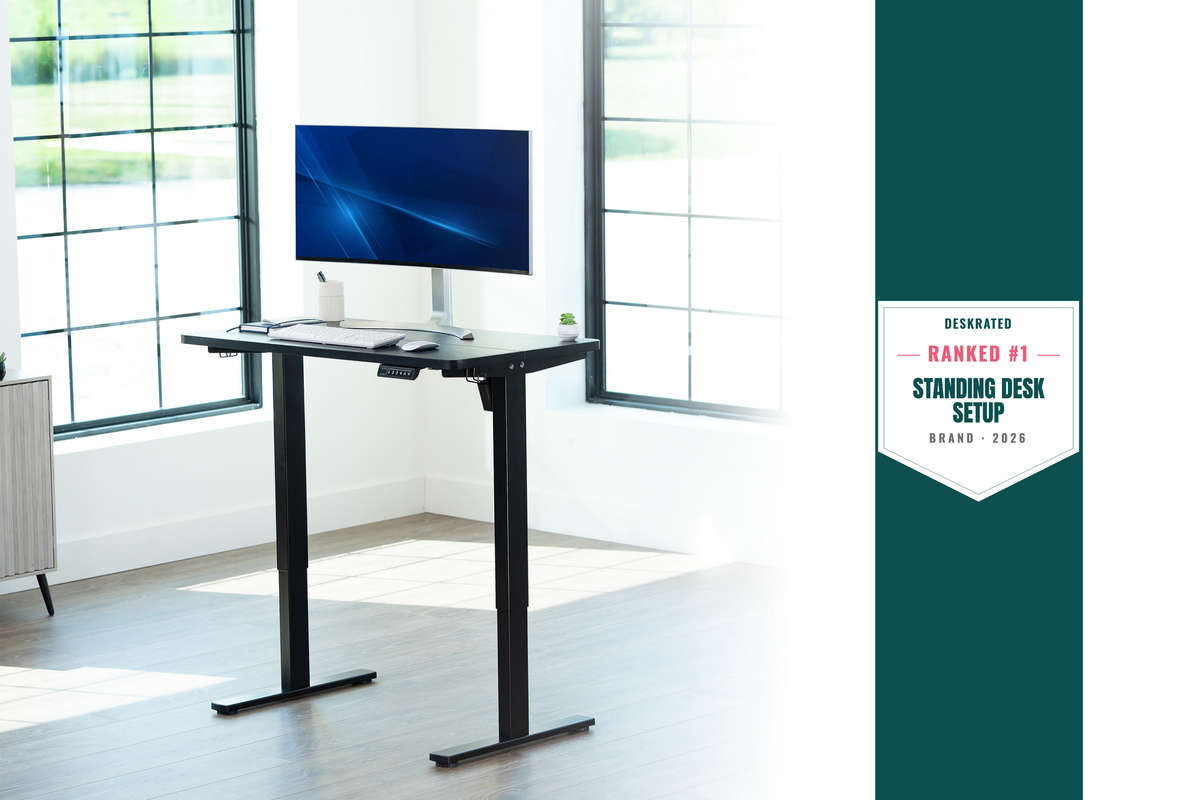
Sitting for five-plus hours straight is hard on your body, regardless of age. Alternating between sitting and standing every 45 to 60 minutes improves circulation and keeps you alert longer. For apartment setups or more permanent rooms, a height-adjustable desk frame is one of the highest-return investments you can make.
VIVO Electric Sit-Stand Desk Frames bring motorized height adjustment to any desktop surface you already own. The 3-motor 3-leg frame supports larger surfaces and heavier setups for larger shared spaces. If a full frame isn't in the budget, VIVO desktop risers offer a standing option without replacing your existing desk.
Cable management is not a luxury
A desk covered in cables creates visual noise that competes for your attention and signals chaos to your brain before you've even opened a document. Routing cables under the desk or into a cable box clears your field of vision and makes your workspace feel like a place you want to sit and get things done.
VIVO Under-Desk Cable Management systems come in screw-mount and clamp-on versions, important for dorm rooms or rentals where drilling isn't an option. They hide power strips and adapters out of sight and completely off the desk surface.
Light your space like you plan to use it
Overhead fluorescent lighting is flat, harsh, and contributes to eye strain over long sessions. A desk lamp with a warm-to-neutral color temperature gives you focused task lighting that's easier on your eyes. Monitor light bars sit on top of your display and cast light downward without creating any screen glare, which is a solid option for late-night study sessions.
Two things most students forget until week three
Your chair matters more than it seems. A lumbar pillow or seat cushion can significantly reduce lower back strain if you're stuck with a basic dining chair. Your feet should sit flat on the floor, thighs roughly parallel to the ground.
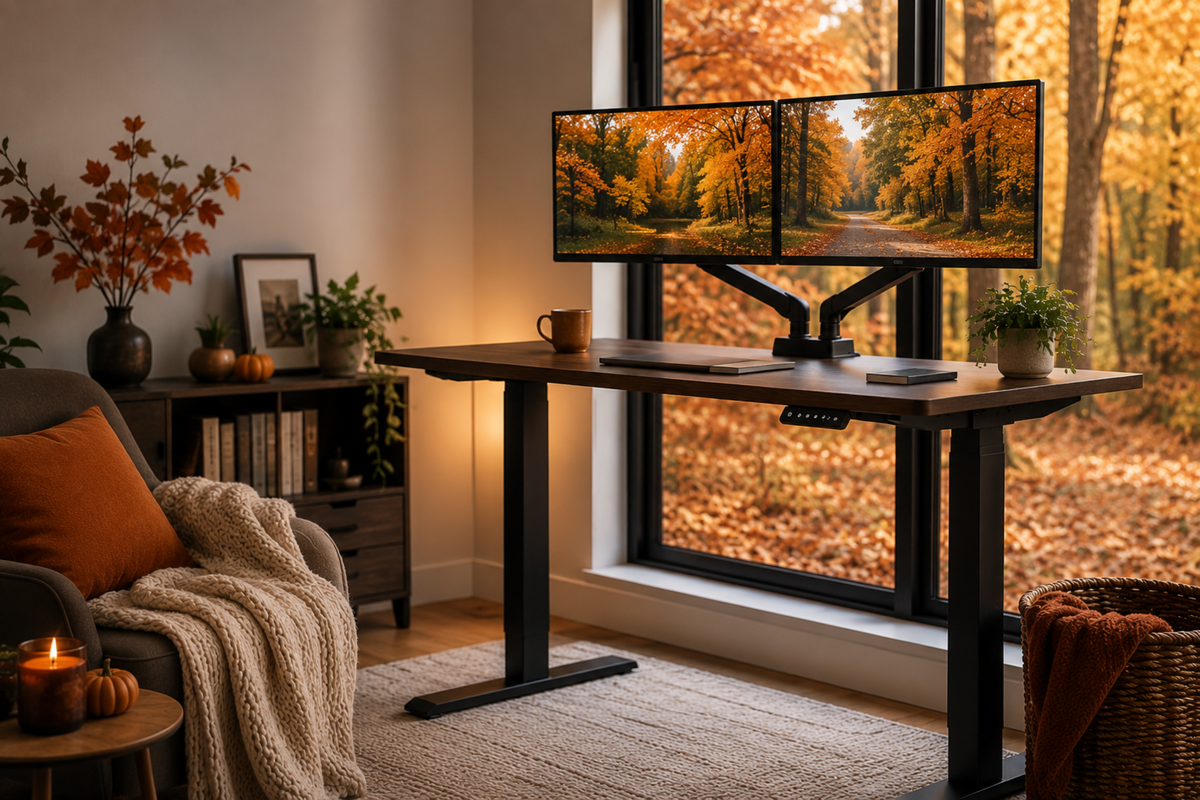
A second monitor changes your workflow more than almost any other upgrade. Keeping a PDF open on one side and your notes on the other eliminates constant window switching on research-heavy assignments.
VIVO Dual Monitor Desk Mounts support two screens on a single arm system, freeing up desk surface and letting you position each display independently, a big win on small desks.
Build it once, use it all year
Start with the highest-impact changes: screen at eye level, cables off the surface, and a chair that supports your back. Layer in lighting, organization, and a standing option as your budget allows. Spending 30 minutes on your setup before classes start is one of the most practical things you can do for a semester that hasn't gone sideways yet.

Share:
Stop Hiding Cables with a Power Strip. Do This Instead.
Back to School, Better Setup: Build a Space That Actually Works