
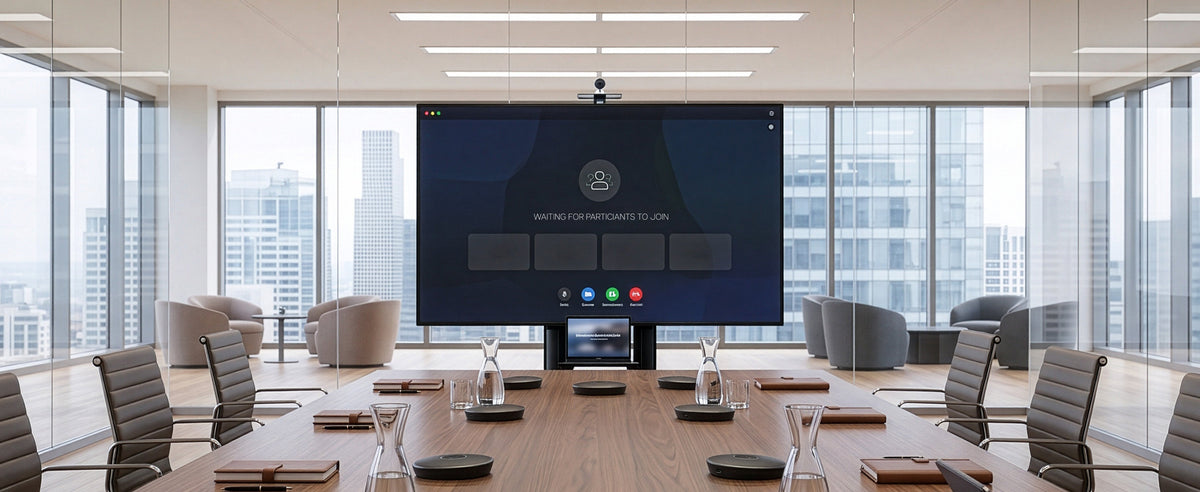
Q4 conference rooms book back-to-back for year-end reviews. Training rooms run at full capacity as teams onboard for the new year. Lobbies and shared spaces see more foot traffic than any other quarter. And every mount, cart, and desk in the building is suddenly being used harder, longer, and by more people than it was in Q2.
For facilities and procurement teams, this is the point where hardware either holds up or starts showing its age. A wall mount that's been fine all year can develop play in the joint after a few extra reconfigurations. A monitor arm in a hot area that gets adjusted a dozen times a day wears differently than one sitting in a single office. Durability stops being a spec on a sheet and starts being something people notice.
Q4 Is a Stress Test, Not Just a Deadline
Most budget planning treats Q4 as a deadline: close out the year, spend down what's left, get ready for January. But from a facilities standpoint, it's better understood as a stress test. More people are in shared spaces. More displays are being wheeled between rooms for presentations and events. More desks are getting reassigned as teams shift for year-end projects. Whatever hardware is already installed has to absorb all of that without needing a mid-quarter replacement.
This is where the gap between consumer-grade and commercial-grade equipment tends to surface. Home office hardware is built around one person using one setup, day after day, in a fairly predictable way. Commercial spaces don't work like that. The same TV cart might get rolled into three different rooms in a single week. The same monitor mount might get adjusted by five different people using the same desk on a hot-desk rotation. Hardware that isn't built for that kind of variable, repeated use tends to show wear a lot sooner than the warranty period would suggest.
Where Standard Hardware Starts to Show Its Limits
None of this means standard office hardware is poorly made. It's built to do exactly what it's designed for: support a consistent setup in a lower-traffic environment. The issue shows up when that same hardware gets dropped into a commercial setting it wasn't made for, a 55-inch conference room display on a wall mount rated for lighter use, or a cart that gets moved daily instead of occasionally.
This is why the PRO-TVWM95A was created. It's built to support large-format displays in spaces where the mount needs to hold up to frequent angle adjustments and heavier day-to-day use, and it carries a 5-year warranty rather than the standard 3-year coverage seen on VIVO's home office mounts. That warranty gap alone is a useful shorthand for how the two lines are engineered differently: not one being better than the other, but each being built for a different kind of demand.
What "Built for Scale" Actually Means at VIVO PRO
VIVO PRO isn't a premium version of the standard VIVO catalog; it's a separate line engineered around institutional and commercial use cases from the start. That shows up in a few concrete ways: heavier-gauge materials in load-bearing components, mounts and carts rated for larger and heavier displays, and warranty terms that reflect an expectation of continuous, high-frequency use rather than occasional home use.
Take the PRO-TVHA90. Boardrooms and classrooms often run oversized displays that need to be repositioned for different meeting formats or height positions, and this mount is built specifically to handle that kind of repeated adjustment at scale without the mount loosening over time. Or the PRO-TVC120B, rated for screens up to 120 inches, which is designed for spaces where the display itself needs to move between rooms or events rather than staying fixed to one wall. Both carry the same 5-year warranty as the wall mount, which tells procurement teams something useful upfront: this hardware is expected to be in daily rotation for years, not sitting mostly idle.
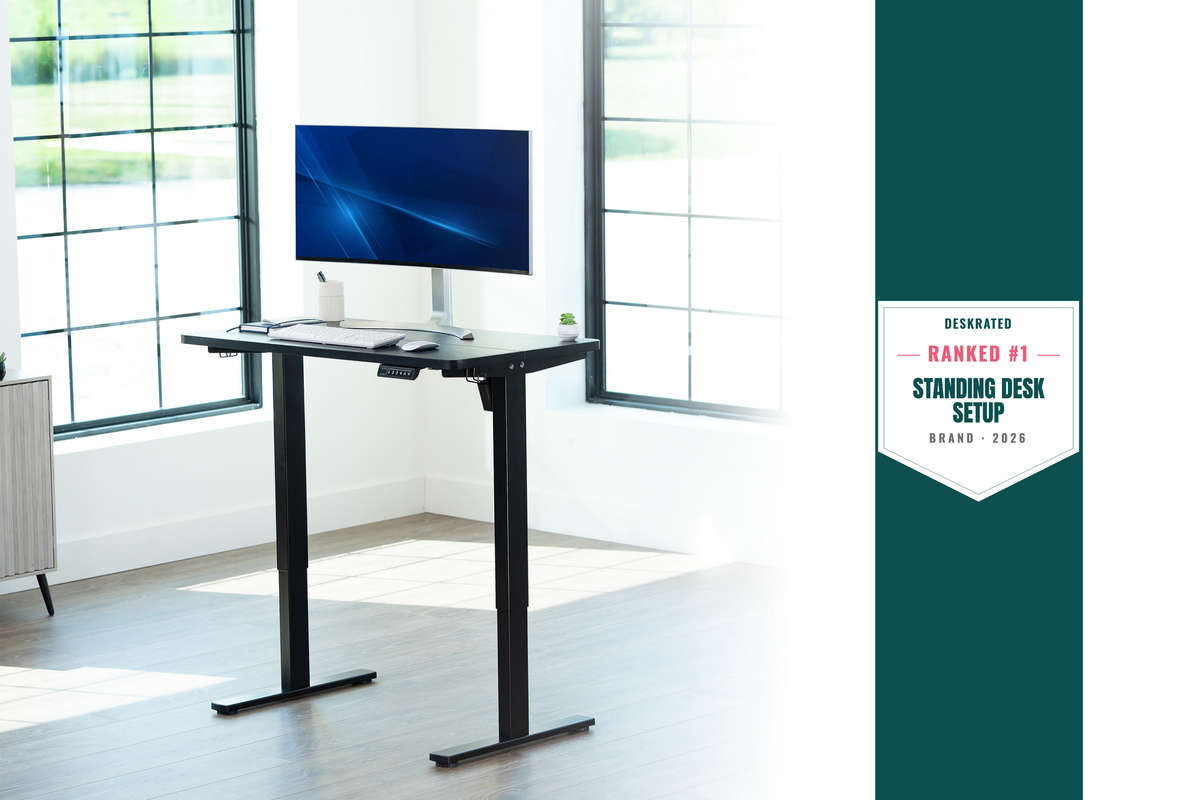
Desking hardware scales the same way. The PRO-DESKE23B is built around the idea that a sit-stand desk in a commercial space rarely gets adjusted once a day by one person, it's more often shared across a hot-desk rotation or reset repeatedly as teams shift during Q4 headcount changes. Two motors split the lifting load more evenly than a single-motor frame, which matters when a desk is cycling up and down far more often than a typical home office setup would ever ask of it.
Procurement Lens: What to Actually Compare
When two mounts or carts look similar on paper, the numbers that matter most for a commercial buy aren't always the ones listed first. Weight capacity relative to the actual display being installed matters more than a generic max-screen-size claim, since a mount rated for a 90-inch screen at the edge of its range behaves differently than one with real capacity to spare. Mobility matters too: a fixed wall mount makes sense for a permanent boardroom setup, but a cart makes more sense for spaces that double as training rooms, event space, or overflow meeting rooms.
Warranty length is one of the more reliable signals of how a manufacturer expects a product to hold up under real use, since a 5-year warranty on commercial hardware reflects an expectation of frequent handling that a 1-year warranty on consumer hardware doesn't need to account for. And for shared workstations, something like the PRO-ST245B is worth a closer look, since pneumatic arms rated for daily adjustment by multiple users hold their position better over time than lighter-duty arms built for a single person's setup.
The most useful comparison isn't sticker price, it's cost over the expected life of the piece. A wall mount that needs replacing every 18 months in a high-traffic conference room costs more over three years than a commercial-grade mount with a longer warranty and a higher upfront price, even before factoring in the labor cost of reinstalling.
Getting Ahead of Q4 Before Budgets Close
The easiest way to walk into Q4 without a scramble is a short audit before the quarter gets busy. Walk through the conference rooms, training spaces, and lobbies that get the heaviest use, and note which mounts or carts are already showing play, wobble, or wear. Flag any displays that are oversized for the mount currently holding them, since that mismatch tends to get worse under heavier Q4 use, not better. And if new hardware is going in for holiday events, year-end presentations, or January onboarding, get it ordered and installed before the last few weeks of the quarter, when facilities teams are stretched thinnest.
Q4 is going to put more demand on a building's hardware than any other stretch of the year. The spaces that hold up are usually the ones where someone looked at durability before the quarter started, not after something failed in the middle of a board meeting.


Share:
Finding Your Perfect Monitor Setup: A Guide to Mounts and Stands for Every Space
The Ultimate Football Season Watch Party Setup Guide